Avocent SWITCHVIEW OSD - User's Guide Page 19
- Page / 56
- Table of contents
- TROUBLESHOOTING
- BOOKMARKS

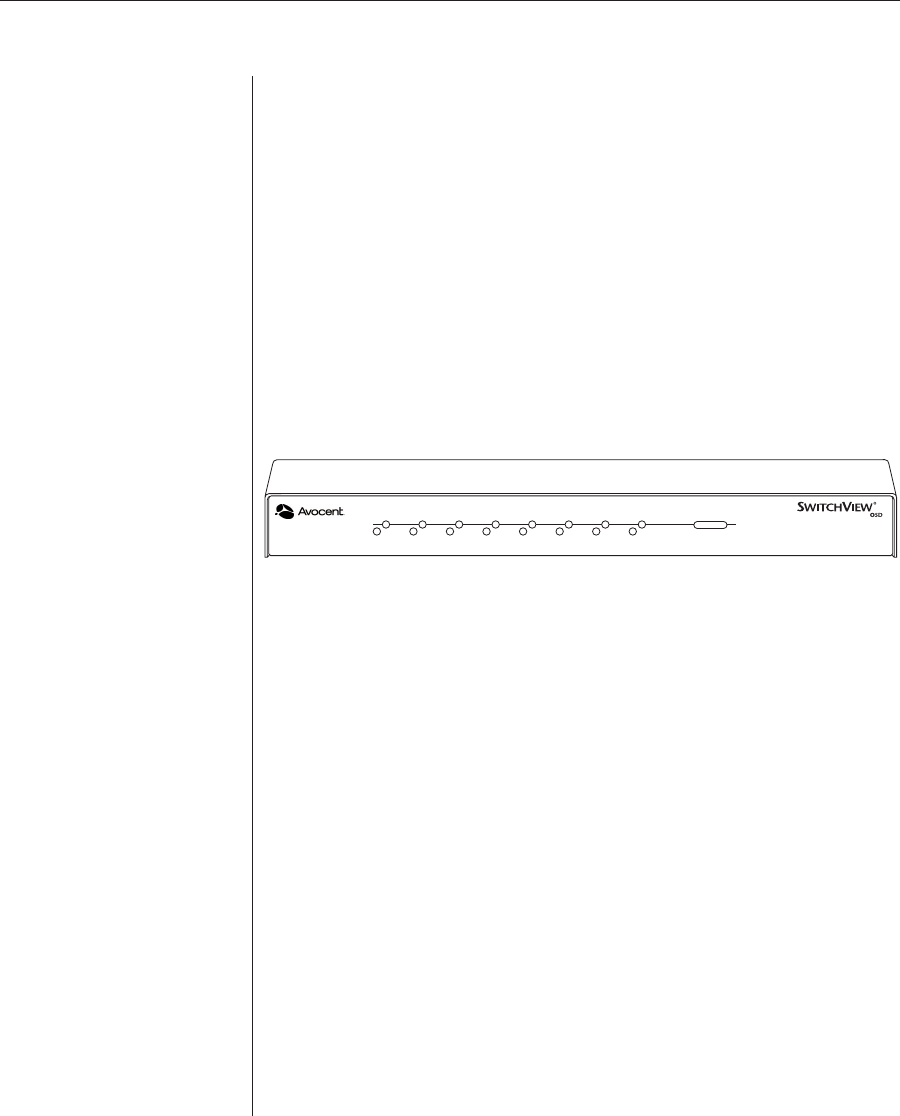
- SwitchView 1
- POWER ON 2
- POWER OFF 2
- PROTECTIVE GROUNDING TERMINAL 2
- INSTRUCTIONS 2
- DANGEROUS VOLTAGE 2
- FCC Notification 4
- Canadian Notification 4
- VCCI Approvals 4
- Agency Approvals 4
- Installer/User Guide 5
- Product Overview 7
- Compatibility 10
- Installation 11
- Chapter 2: Installation 9 15
- Advanced Install 16
- Basic Operations 17
- Overview 19
- Keyboard Control 20
- Keyboard Switching 21
- On-Screen Display 23
- Operations 23
- On-Screen Display Operation 25
- The OSD Window 26
- The Command Menu 27
- Basic Channel Maintenance 28
- Deleting an Existing Channel 29
- The ID Window 30
- 0 disables the ID 31
- Administrator Functions 32
- Setting Up Additional Users 33
- Channel Scanning 35
- Setting the Scanning Order 38
- Turning Scanning On and Off 38
- For Sequential Scanning 39
- For Alphanumeric Scanning 39
- Scanning and Security 40
- Appendices 41
- Initial Configurations 44
- CYBEX Control Panel 45
- Pairing Connections 46
- Chapter 6: Appendices 41 47
- Uninstalling Pairing 49
- Troubleshooting 50
- Chapter 6: Appendices 45 51
- Symptom Action 51
- Chapter 6: Appendices 47 53
- Warranty 55
- 590-181-001 Rev C 56
- For Technical Support: 56
Related products and manuals for Unknown Avocent SWITCHVIEW OSD -
 (58 pages)
© 2020, manymanuals.com. All rights reserved. | 0.019 s |
 Manymanuals.com
 Manymanuals.de
 Manymanuals.fr
 Manymanuals.it
 Manymanuals.pl
 Manymanuals.cz
 Manymanuals.es
 Manymanuals-pt.com
Comments to this Manuals